THE ZERO-MISS CHALLENGE TRACKER
Every day.
Or it’s Day One.
The 75-day challenge tracker that takes your rules as literally as you do. Daily checklist, water counter, lock-screen widget, private photo vault — and if you miss, the counter goes back to 1. That's the deal you made.
Day 1 is free. Then $1.99/mo, $9.99/yr, or $19.99 forever. No subscription required.
THE PROBLEM
The apps for the hardest challenge on the internet are the softest part of it.
You're about to hold a gallon-of-water, two-workouts, no-excuses rule set for 75 days — and most trackers meet you with a weekly subscription for a glorified checklist, no built-in water counter, no lock-screen widget, and a streak that too often breaks on a time-zone change.
So the subreddit's actual advice is a Google Sheet, a separate water app, and a whiteboard.
Hard Mode is the whole stack in one place — checklist, water, photos, widget — with the zero-miss rule enforced, for a one-time price that costs less than two weeks of an app that charges by the week. The app doesn't cheer. It counts.
The shape of a run
Night Zero to Day 75.
NIGHT ZERO
Set up in under two minutes.
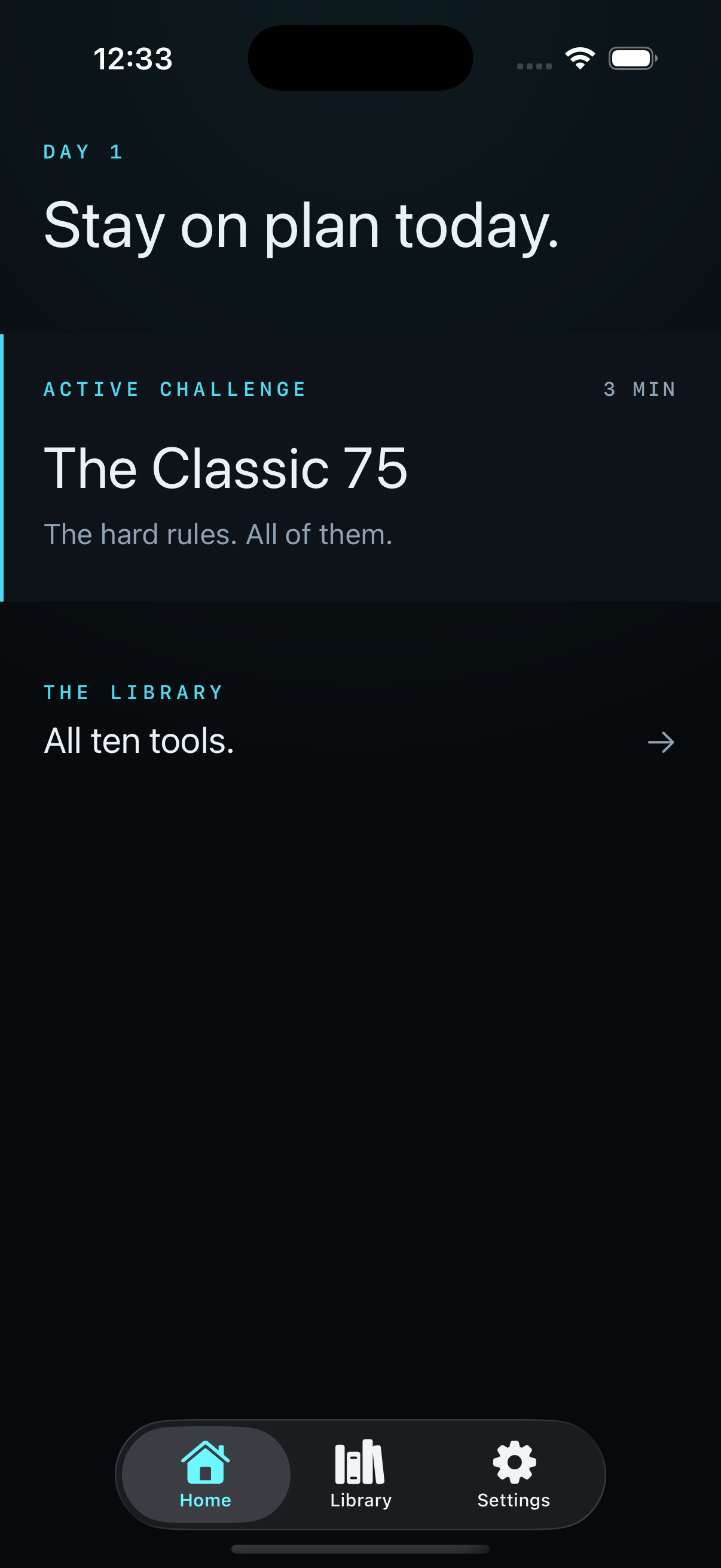
Pick a template — The Classic 75, The Softer 75, Winter Arc, or your own rules. Set Day 1. Confirm the list. It locks when you start; that's the point.
DAY 1–39
The widget does the nagging.
Check tasks as they happen. Water counts by the glass toward the gallon. The photo drops in the vault. At 9 PM the lock screen says exactly what's left.
DAY 40
The middle is the test.
The novelty is gone and the end isn't visible. The Day 40 card is one tap away, and the counter keeps counting. You're someone who doesn't miss now.
DAY 75
75 of 75. Done.
The app's only celebration: your entire photo vault, played back in eight seconds. Then pick the next arc — or rest. You've earned the choice.
What you get
The clones’ complaint list, built properly.
LOCK SCREEN · LIVE ACTIVITY
The widget does the nagging
Lock-screen widget and Live Activity show exactly what's left before midnight. At 9 PM it says '2 left.' No push-notification poetry. Just the count.
Tuesday, October 20
21:42
Hard Mode · Day 41
2h 18m to midnight
2 left before midnight.
swipe up to open
WATER · A COUNTER, NOT A CHECKBOX
Water is a counter, not a checkbox
Log it a glass at a time toward the gallon, from the app or the widget. The thing every other tracker forgot is the thing you'll touch eight times a day.
Day 41 · Water
24 oz left · logged 6 times today
VAULT · ON-DEVICE ONLY
A vault, then a timelapse
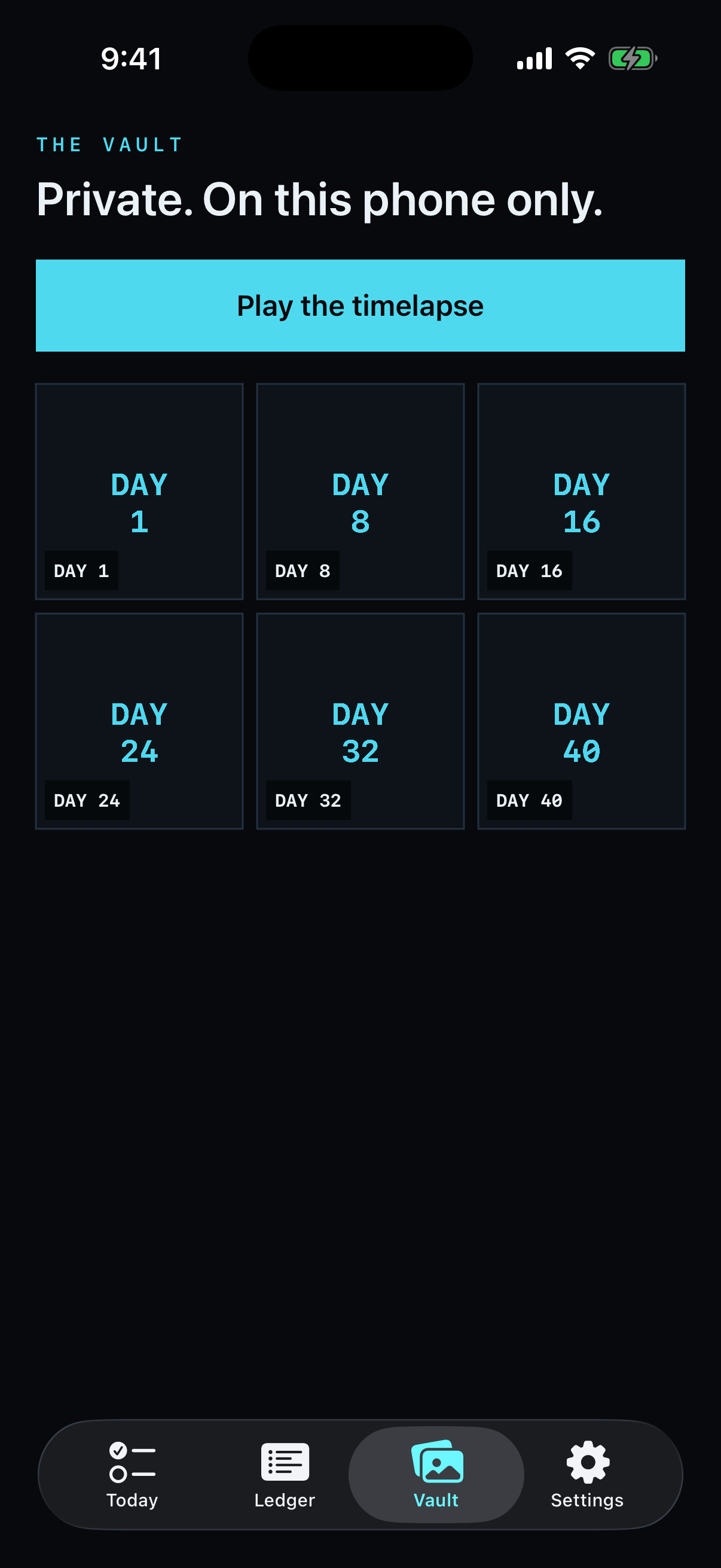
Daily progress photo, private, on-device, auto-dated. On Day 75 the app's only celebration: your whole run, played back in eight seconds.
RESTART · THE HONEST SCREEN
Restarts are reps, not shame
A miss sends you back to Day 1 — but the attempt stays on the ledger, dated and honest. A 40-day failed run is still 40 held days. Start again tomorrow.
Missed · progress photo
Day 12 is a miss.
The rules were your rules. The counter goes back to Day 1 — the ledger keeps this attempt. 11 held days, on the record.
LEDGER · ATTEMPT 2
The rules, taken literally
Pick The Classic 75, The Softer 75, Winter Arc, a 30-Day Reset — or write your own. Once you start, the list locks. Miss any task by midnight and it's back to Day 1. The ledger keeps every attempt.
Streak logic you can trust
Timezone changes, DST, midnight edits, reinstalls — the counter survives all of it. Streak-loss bugs are the #1 complaint about every other tracker. We treat the count as the product.
What the run feels like
The middle is the part that counts.
Day 6 is where the novelty dies. The counter doesn't.
At 9 PM the lock screen says '2 left,' and the workout stops being optional.
Water by the glass toward the gallon — not a checkbox you talk yourself into.
Miss one and it's Day One. The ledger still keeps every day you held.
One thing on your lock screen instead of a spreadsheet, a water app, and a whiteboard.
Day 1 is free. No account. Photos never leave your phone.
Pricing
No subscription required.
Lifetime is right there.
Same app on every plan — every template, the widget, the vault, the ledger. Pick how you’d like to pay. Everything after Day 1 (which is free) is unlocked by any of the three.
Monthly
$1.99
per month · auto-renews
A full 75-day run costs about six dollars. Cancel in App Store settings any time.
Annual
$9.99
per year · auto-renews
Covers this arc and the January one. A quarter of what the category charges per year.
Forever
$19.99
one time · not a subscription
The paywall never comes back. Less than two weeks of the apps that charge weekly.
Monthly and Annual are auto-renewing subscriptions billed to your Apple ID; they renew unless cancelled in App Store settings at least 24 hours before the period ends. Forever is a one-time purchase — not a subscription. Terms of Use · Privacy Policy
The list is set.
Midnight is coming.
Set up tonight in under two minutes. Day 1 is free. The counter starts when you do.
Download on the App StoreHonest answers
What you might be wondering.
Is this the official 75-day challenge app?+
No, and it doesn't pretend to be. Hard Mode is an independent tracker for any hard challenge — the famous 75-day rule sets, the Oct–Dec Winter Arc, or rules you write yourself. It isn't affiliated with or endorsed by any challenge program or its creators.
Do I have to subscribe?+
No. That's the point. $19.99 once unlocks everything forever. The $1.99/mo and $9.99/yr options exist if you'd rather pay small — subscriptions bill through your Apple ID and renew until you cancel in App Store settings, at least 24 hours before the period ends. Same features on every plan.
What's actually free?+
All of Day 1 — full checklist, water counter, photo, widget. When you complete your first day, you'll hit the unlock screen. If you're not sure by then, the app wasn't going to survive your Day 40 anyway.
What happens when I miss a task?+
The counter goes back to Day 1 — that's the challenge you signed up for, and we won't quietly soften it. But the attempt is archived on the ledger with every day you held. No streak freezes, no paid 'repair' mechanics, no shame screen. Start again tomorrow.
Where do my progress photos go?+
Nowhere. They're stored on your phone (and your own iCloud backup), never uploaded to us — we don't have servers to upload them to. No accounts, no analytics SDKs, no ads.
Does it tell me what to eat or how to train?+
No. Hard Mode is a referee, not a coach. You pick the diet and the workouts; the app asks one question at the end of the day: did you hold your rules? It provides no medical, fitness, or dietary advice — talk to a professional before starting an intense challenge.
Is there an Android version?+
No — iOS only. The lock-screen widget, Live Activity, and on-device photo vault are built on Apple's stack. No Android version is planned.